
8) Portrait Photo Submission
If you used a professional school photographer to take your school photos have them send files to us! This ensures the images get uploaded with names attached to them and enables you to use the Flow Feature.
Please make sure they include your School Name and Job Number.
Tell us how you want them sorted for you either by
Grade, Homeroom/room number, or Teacher.
Note: if you have a teacher with the name “last name”, please use a first initial.
- Portrait links can be forwarded to support@schoolannual.com
- Portrait Files can be sent to us using our File Transfer website
schoolannual.wetransfer.com - Portrait CD can be sent to us to upload your files.
If you haven’t received your portrait images yet,
you will want to contact your photographer and request them. You can continue
to get things ready without them, but cannot complete the Flow process.
Learn how to send us Portrait Photos and use the Portrait Flow tool:
- Sending us Portrait Photos
- Creating index.txt file
- WeTransfer Video
- Creating a Zip File Video
- Portrait or Activity CD
-While You Wait For Your Image to be Uploaded-
Getting Ready For Your Photos

Before you set up, you can also transfer your files from last year to the
current year
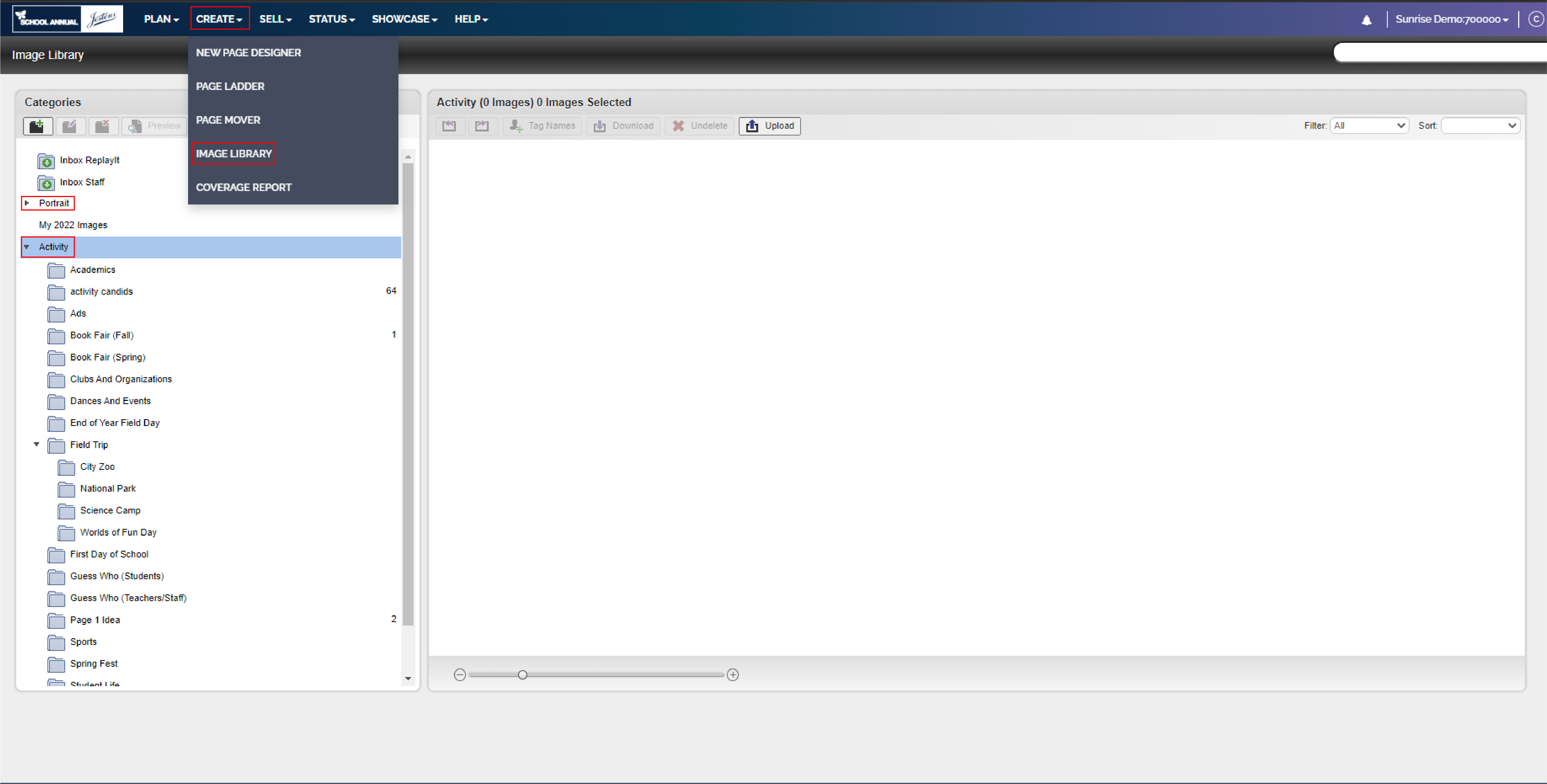
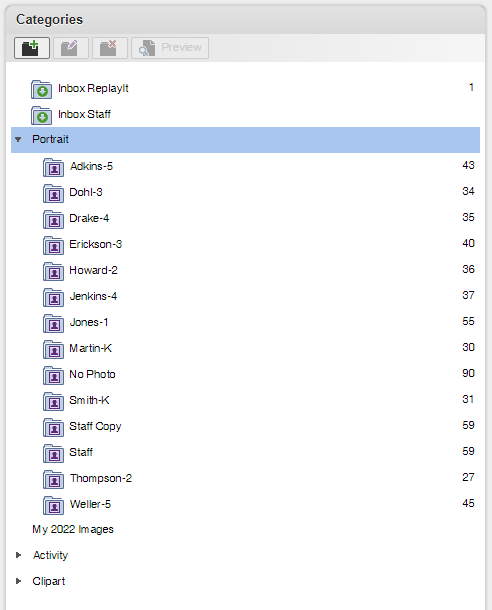
Image Library (Create Tab > Image Library) is the main tool for managing all your images. Let’s focus first on collecting and sorting your Activity images and Portrait images. These will make up the majority of your yearbook content. It helps to create image folders that organize the same way you work.
As seen here:
You may find that creating folders that are named the same as your Page Ladder
content makes it easy for you and any helpers you have to quickly organize the
images you receive. If you’re in a small school, you may find that a folder for
each child is the better way to go.
-
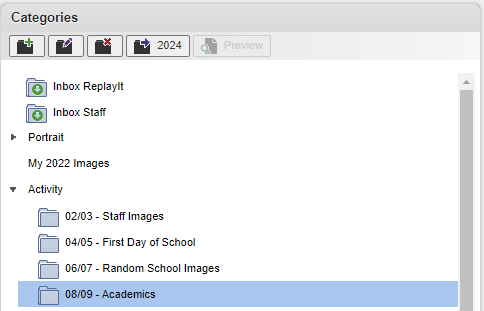
To make the folder the same as your Page Ladder you could name it the following:
- 02/03 – Staff Images
- 04/05 – First Day of School
- 06/07 – Random School Images
You’ll learn the best way to label and send the printed photographs you receive,
upload and download your digital images, and also how to delete images you know
you won’t need.
Helpful Tips:
- You could make a “reserve” folder.
- This would be for images you might not use now but might need to
fill space(s) letter. - There is no such thing as too many photos.
- This would be for images you might not use now but might need to
- Start by making a folder for Activities that are held every year.
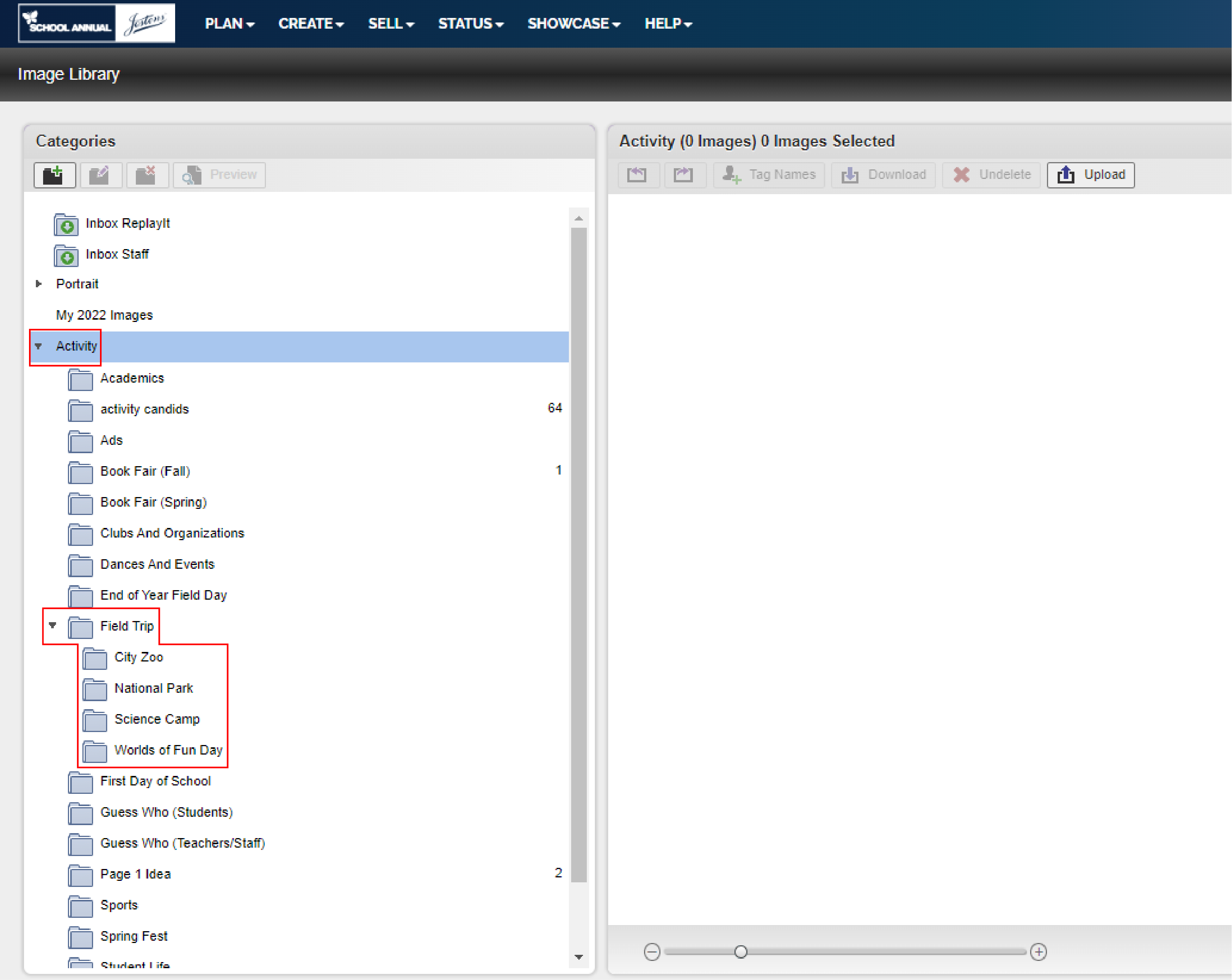
- If you feel you have too many subfolders, you can make a subfolder within the subfolder.
- Activity > Field Trip > Nature Lodge Reserve
- > Nature Walk
- > Science Camp
What are Activity Images?
Images used throughout your yearbook depicting students and staff doing activities (Any image besides headshots)
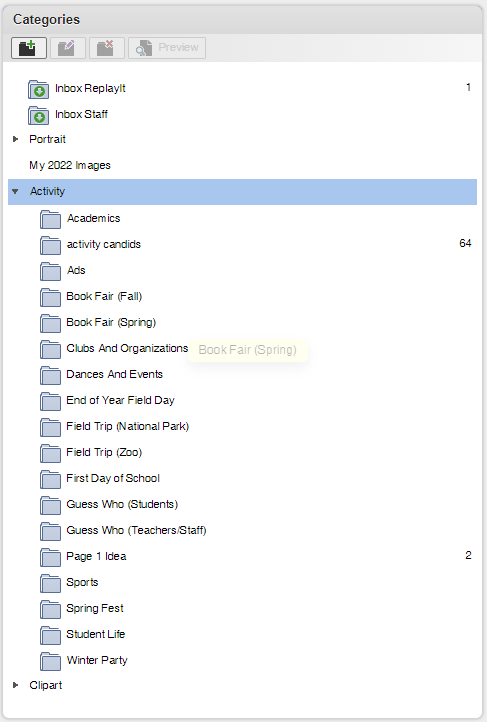
- Activity images can be easily uploaded and downloaded directly to and from
School Annual Online.
What are Portrait Images?
These are the headshots taken of each student and staff member, usually professionally done.
REMEMBER, you can submit your photos to us to upload using schoolannual.wetransfer.com !