
5 – Using School Annual Online
Using School Annual Online
Using our online yearbook creation software may seem complicated at first, but with a few minutes of practice and experimentation, you’ll be using it like a pro! Click on the links below to visit our Help Center section for each page.
Watch our Getting Started Video! 
Select your Fonts
- Before you begin adding pages to your yearbook check out all the different fonts we have available. You can add as many fonts as you want! Fonts can be found on the Plan > Fonts page!
- Using Fonts
-
Adding Fonts
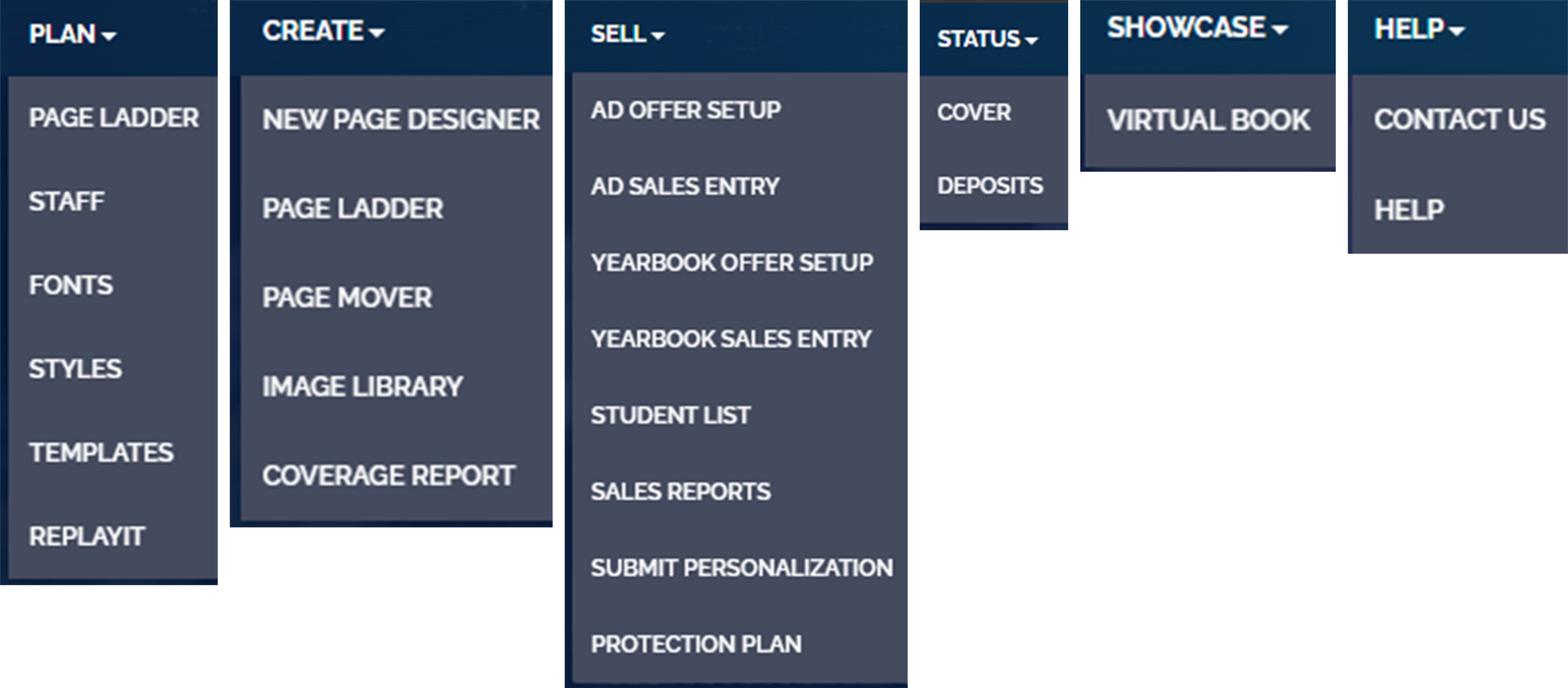
School Annual Online Website Tab Layout:
Loading Content from Last Year
Task Tab
- This tab is designed to help keep you and your staff staying organized and
on track. - Here you can assign tasks to yourself, or to others, and stay up to date
on their progress along the way. - TASK TAB – instructions